If you’ve been scrolling Facebook, Instagram, or TikTok and keep seeing posts about moms making passive income from digital products, and you’ve been wondering if it’s actually real or just another overhyped internet thing, this article is for you.
Digital products for moms are one of the most talked-about income streams right now, and for good reason. But there’s a version of this conversation that’s honest and a version that’s just hype. You deserve the honest one.
So let’s start from the beginning: what digital products actually are, how they make money, what moms can realistically create, and what nobody tells you about why some people succeed with them and most don’t.
What Are Digital Products?
A digital product is anything you create once and sell repeatedly in digital form — no physical inventory, no shipping, no manufacturing cost. The buyer downloads or accesses it online, and you receive payment automatically.
Some examples to make it concrete:
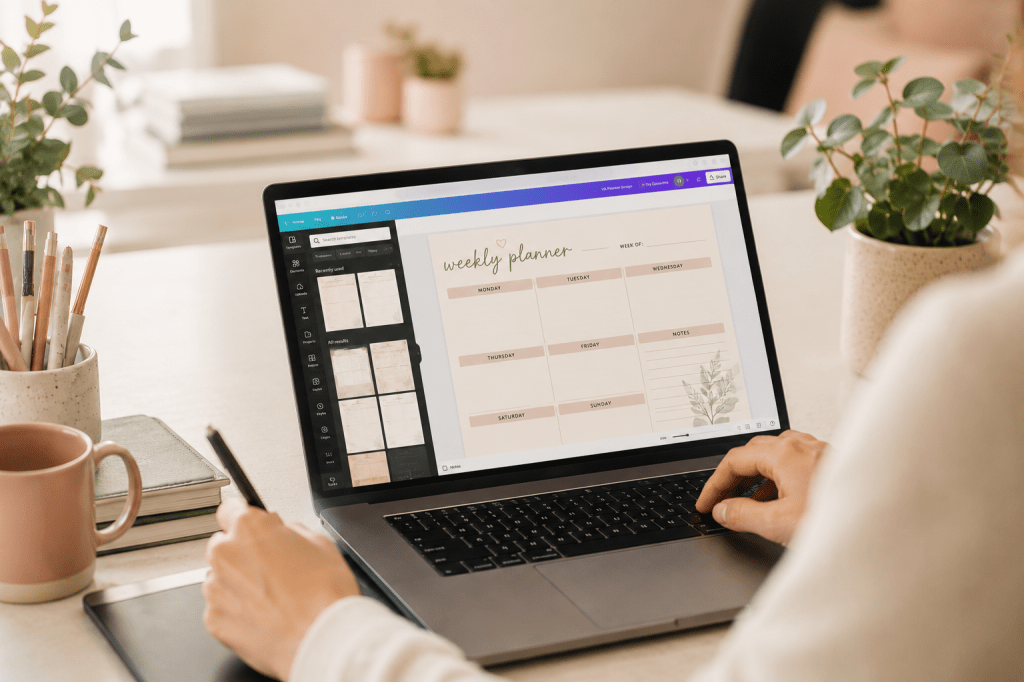
- A PDF planner a mom designed in Canva for organizing her family’s weekly schedule
- A Canva template a social media VA created so other VAs can easily design client graphics
- A Notion dashboard someone built to track freelance income and expenses
- An ebook with tips for stay-at-home moms looking for remote work
- A printable checklist for packing a hospital bag, morning routines, or meal planning
- A spreadsheet template for tracking monthly budgets
- A digital course or workshop teaching a skill you already have
The key thing that makes digital products different from most work-from-home jobs: you do the work once, and it can continue selling while you’re at the park with your kids, while you’re sleeping, or while you’re feeding the baby at 3am.
That’s the appeal. And it’s real, but it doesn’t happen automatically. More on that in a minute.
Why Digital Products Make Sense for Moms Specifically

Here’s what makes digital products particularly well-suited for moms, especially those working from home:
No inventory, no shipping, no stock. You’re not storing products in your garage or rushing to the post office. Once it’s created and listed, the platform handles delivery automatically. This is a big deal when you’re managing a household at the same time.
You set your own hours. Creation happens on your schedule, during nap time, after bedtime, on a Sunday afternoon when the kids are with your partner. There are no client calls to schedule around, no real-time work required.
Low startup cost. Most digital products can be created with tools you already have access to — Canva (free), Google Docs (free), Notion (free). For many moms in the US, UK, Canada, and the Philippines, the upfront cost to start is close to zero.
It scales without more of your time. A service-based business (like VA work) trades your time for money. Digital products break that trade. The tenth sale doesn’t cost you more time than the first.
You’re packaging knowledge you already have. This is the part moms underestimate most. You don’t need to be an expert to create a helpful digital product. You need to be one step ahead of someone else and willing to package what you know.
What Digital Products Can Moms Actually Create?
Let’s get specific, because “digital products” is a broad category and “just create something” is not useful advice.
Printables and Templates (Easiest to Start)
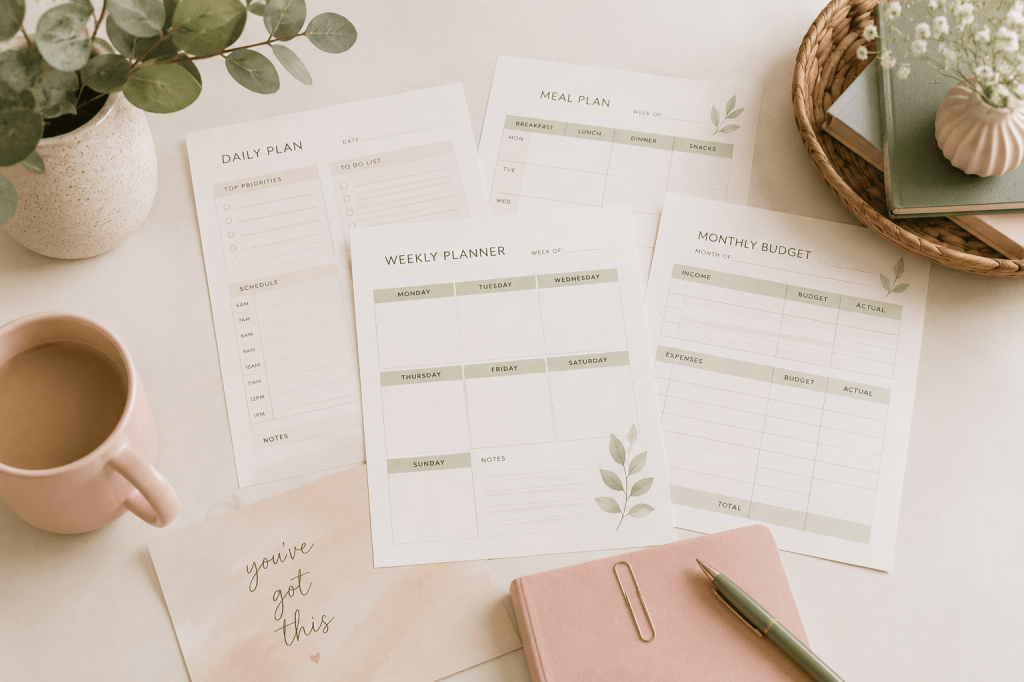
These are the most beginner-friendly digital products because they require no advanced design skills, just Canva and an idea people will actually use.
- Weekly meal planners
- Family chore charts
- Budget trackers
- Homeschool schedule templates
- Baby milestone cards
- Gratitude journals
- Morning or evening routine checklists
- Packing lists (hospital, vacation, school)
Who buys these: Other moms, mostly. People who want a nicely designed version of something they’d otherwise make themselves.
Canva Templates
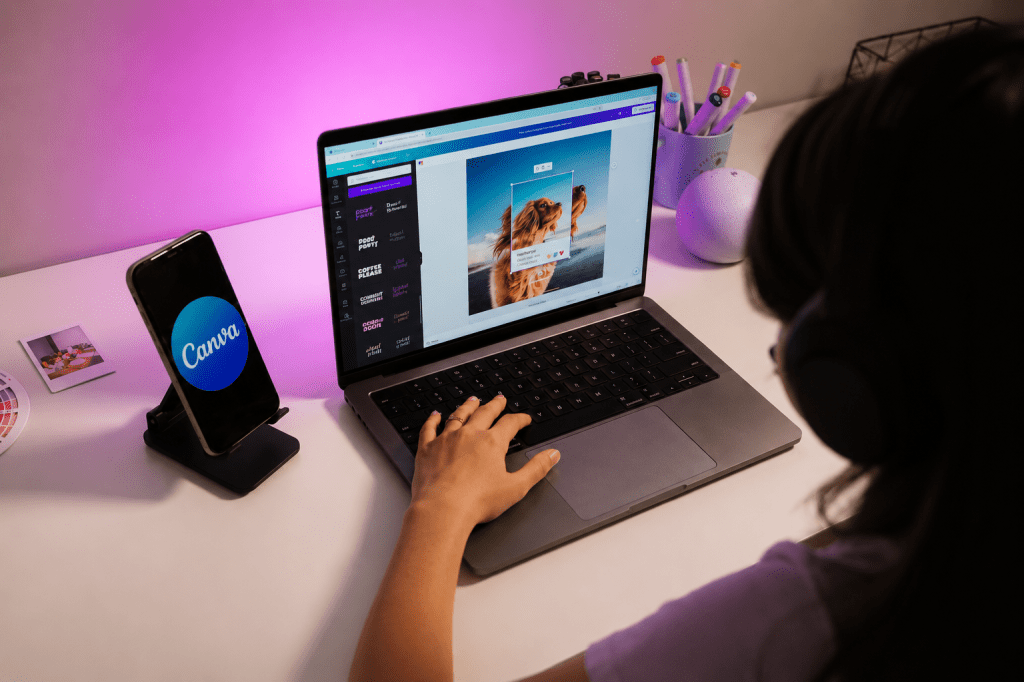
If you’re already using Canva for your own work or a VA client’s social media, you can package those designs as templates others can customize. Social media post templates, media kits, pitch decks, Pinterest pin templates, and resume templates all sell well.
Who buys these: VAs, bloggers, small business owners, coaches.
Notion Templates
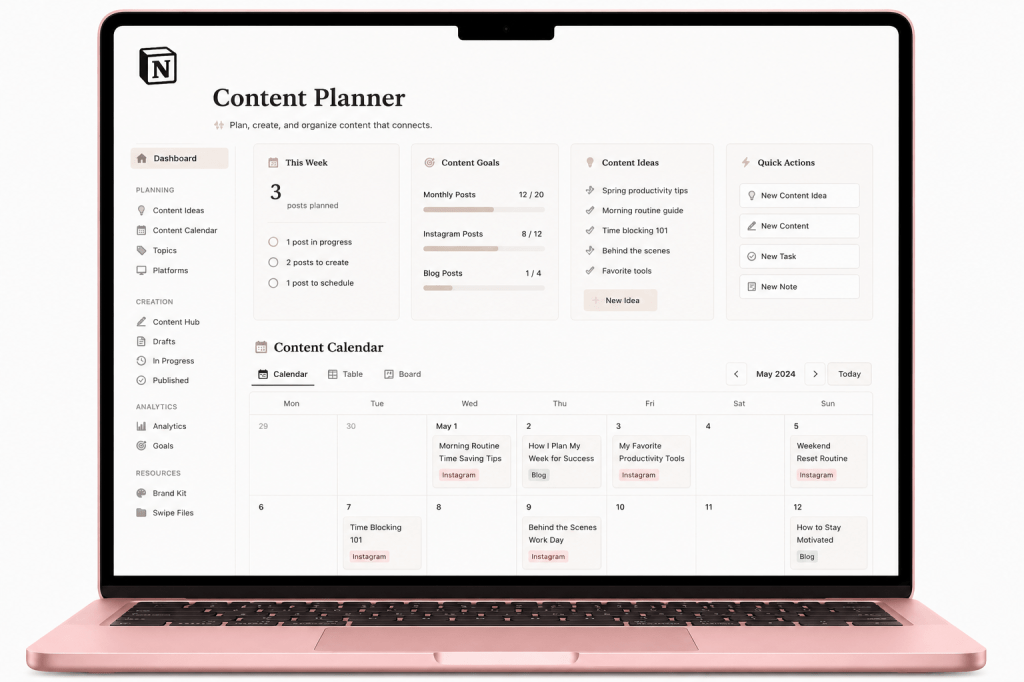
Notion has a passionate user base that is always looking for ready-made dashboards, habit trackers, content calendars, and project management setups. If you use Notion yourself, you’re already closer to creating a sellable template than you think.
Who buys these: Freelancers, remote workers, students, productivity enthusiasts.
Ebooks and Guides
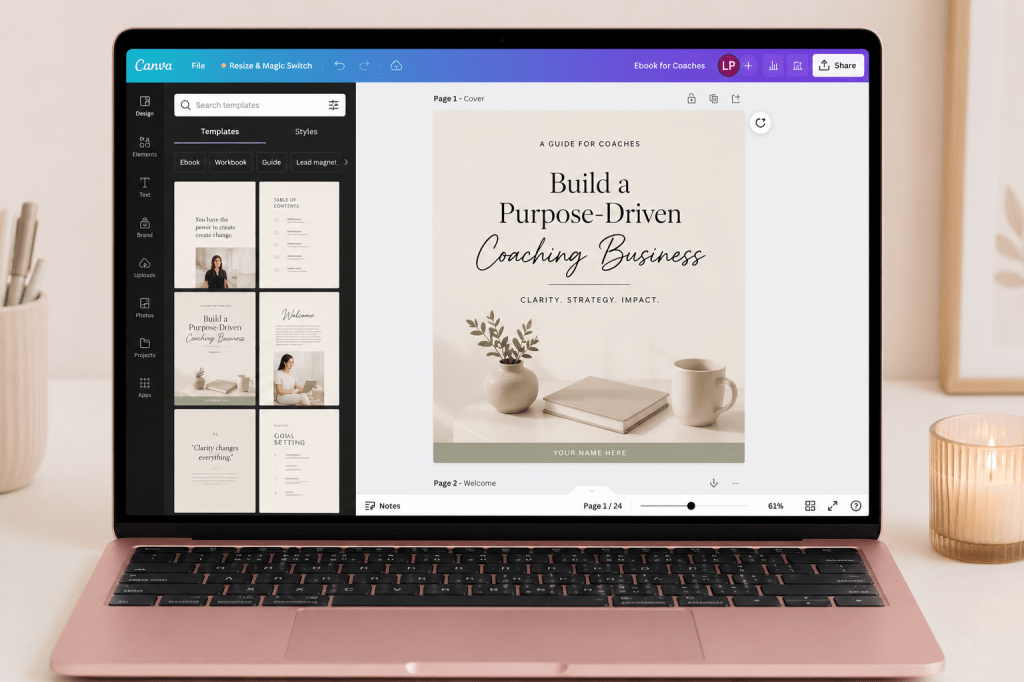
A short, focused ebook — 20 to 40 pages — on a topic you know well. Not a novel, not an academic paper. A practical guide someone pays $5–$15 for because it saves them hours of research.
Ideas for moms with VA experience: a beginner’s guide to landing VA clients, a guide to setting up a VA portfolio, a guide to managing a client’s inbox. ChatGPT can help you outline and draft faster than you think.
Who buys these: Beginners looking for a shortcut through the learning curve you’ve already climbed.
Digital Planners (Interactive PDFs)
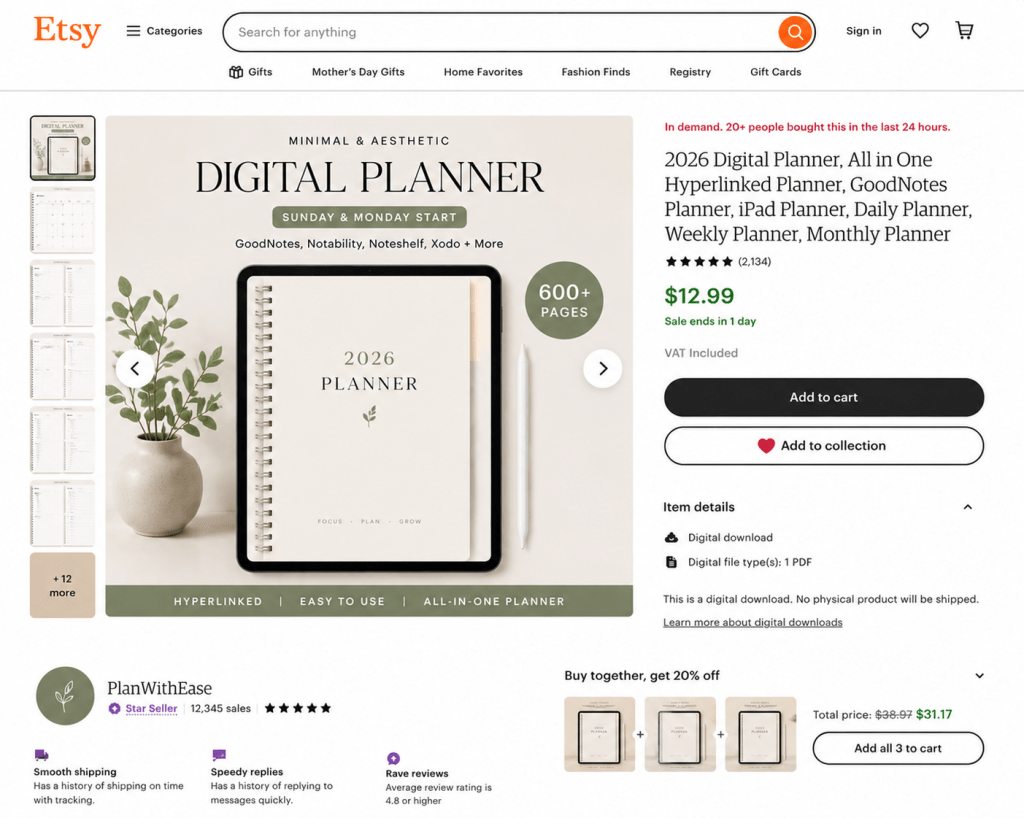
A step up from printables, these are interactive PDFs with clickable tabs and sections, designed to be used on tablets and iPads. Higher price point, more complex to create, but also higher perceived value.
Who buys these: Planners and productivity lovers who prefer digital over paper.
Spreadsheet Templates
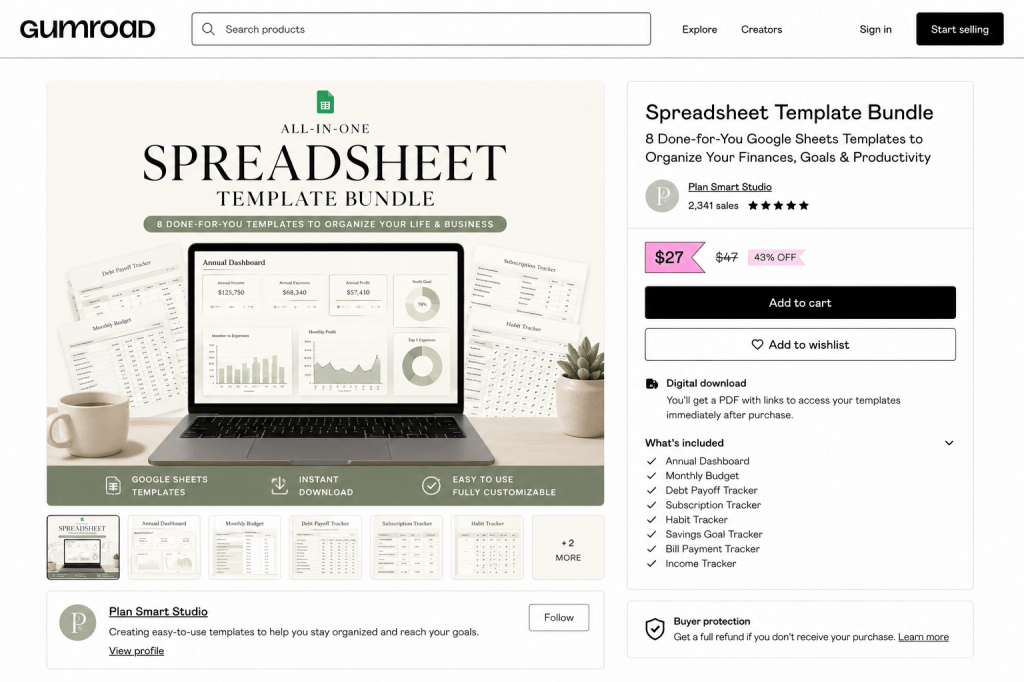
Budget trackers, income trackers, client invoicing templates, content calendars — if you can build it in Google Sheets or Excel, someone will pay for a well-designed version of it.
Who buys these: Freelancers, small business owners, anyone trying to get their finances organized.
The Part Nobody Tells You (Honest Expectations)
Here’s where most “digital products for passive income” articles stop being helpful and start being misleading.
The income is passive. The work to get there is not.
Creating a digital product is only the first step. The second step — which takes just as much effort and probably more — is getting it in front of people who want to buy it. A beautifully designed planner sitting on Etsy with zero views makes zero money. The product needs marketing.
This is where your social media presence becomes a genuine asset — and Pinterest deserves a special mention here too.
On Facebook, joining groups where your target buyers hang out and sharing your product genuinely (not spammy) can get you your first sales faster than any algorithm. Instagram and TikTok are great for showing your product in action — a quick video of a planner being used, a Canva template being customized, or a reel showing what’s inside your digital download. Threads is still growing but has an engaged audience that responds well to honest, conversational posts. Show up, be helpful, share what you made and why.
And then there’s Pinterest — which works differently from all of them. Pinterest is a visual search engine, not a social feed. People go there specifically to find and save things they plan to buy or use. A well-designed pin linking to your Etsy shop or product page can drive traffic for months or even years after you create it once. It’s slower to build than Instagram or TikTok, but it compounds over time in a way that social media feeds don’t. For digital products especially, it’s one of the most powerful long-term free marketing tools available.
Some products sell. Many don’t. Here’s the difference.
Products that sell well solve a specific problem for a specific person. A “weekly planner” is vague. A “weekly planner for work-from-home moms with young kids, designed around nap times” is specific — and it speaks directly to someone.
Before you create anything, ask: who is this for, what problem does it solve, and would I pay for it myself?
Etsy is not the only option, and in some categories, it’s oversaturated.
Etsy is a great starting platform, but it’s crowded in certain niches (generic planners, generic social media templates). Other platforms to consider:
- Gumroad — simple, creator-friendly, no listing fees
- Payhip — similar to Gumroad, good for beginners
- Creative Market — higher-quality marketplace, more selective
- Shopify — for moms who want their own storefront eventually
- Your own blog — selling directly from your site means no platform fees
Income builds slowly, then compounds.
Most digital product sellers make very little in the first 1–3 months. Then a few sales trickle in. Then, as their Pinterest presence grows or their SEO improves on Etsy, sales become more consistent. It’s not overnight, but it is real, and the income from products you made six months ago can still be coming in today.
The Reframe: You Already Have Something Worth Selling
This is the thing I want moms to sit with for a moment.
You don’t need to be an expert or a professional designer to create a digital product that sells. You need to have solved a problem, even a small one, that someone else is still struggling with.
| What you’ve figured out | What that becomes |
|---|---|
| A morning routine that actually works with kids | A printable morning routine template |
| How you organize your VA client work | A VA workflow Notion template |
| A meal plan system that saves you time | A weekly meal planner printable |
| How you track your freelance income | A freelance income spreadsheet template |
| What you wish you knew when starting remote work | An ebook for beginner remote workers |
| A Canva layout you keep reusing for clients | A Canva social media template pack |
The knowledge is already there. The product is just packaging it so someone else can benefit from what took you time to figure out.
I’m currently exploring this myself — building digital products alongside my VA work. I don’t have a six-figure Etsy shop. But I do have skills, knowledge, and tools I’ve been using for years that I know other moms would find useful. That’s where every digital product business starts.
How to Start: The Real Sequence
If you’re ready to explore digital products, here’s the honest step-by-step:
Step 1 — Pick ONE product idea Don’t create five products before any of them sell. Pick one, make it well, list it, and see what happens. You’ll learn more from one listed product than from five half-finished ideas.
Step 2 — Create it with free tools Canva for printables and templates. Google Docs or Notion for ebooks and guides. Google Sheets for spreadsheets. Use ChatGPT to help you outline content or draft copy faster.
Step 3 — Choose your platform For absolute beginners: Etsy or Gumroad. Both are low-barrier to start. Etsy has built-in traffic; Gumroad is simpler and has no listing fees.
Step 4 — Write a clear, specific listing Your title and description are searchable. Be specific about who it’s for and what problem it solves. Include what they’ll receive (file format, number of pages, how to use it).
Step 5 — Market it on social media and Pinterest Don’t wait for buyers to find you — bring your product to where your audience already is. Create 2–3 pins for your product on Pinterest and pin them to relevant boards with keyword-rich descriptions. Pinterest is especially powerful because it works like a search engine — pins can drive traffic for months or years. But also show up on Facebook (groups are great for this), Instagram, TikTok, and Threads. Share the story behind your product, show a preview, or post a short video of it in use. Organic social media marketing is free and one of the most effective ways to get your first sales without spending on ads.
Step 6 — Be patient and keep going Month one will be slow. That’s normal. Keep adding products, keep creating pins, and track what’s working. The sellers who succeed are not the ones with the most talent; they’re the ones who didn’t quit during the slow months.
Frequently Asked Questions
What are digital products?
Digital products are files or downloadable content that are created once and sold repeatedly online — like PDF planners, Canva templates, ebooks, spreadsheets, or Notion dashboards. The buyer downloads or accesses them digitally, so there’s no physical inventory, no shipping, and no per-sale production cost.
Can moms really make money selling digital products?
Yes, but it takes time to build. Digital products are not a get-rich-quick strategy. Moms who succeed with them typically spend 1–3 months creating and marketing before seeing consistent sales. Once traction builds — often through Pinterest or Etsy SEO — income becomes more passive over time.
What are the easiest digital products for beginners to create?
Printables (planners, checklists, trackers) and Canva templates are the easiest starting points because they require no coding, no advanced skills, and can be made entirely in the free version of Canva. They also have clear, existing demand on platforms like Etsy.
Where can moms sell digital products?
The most popular platforms are Etsy (built-in audience), Gumroad (beginner-friendly, no listing fees), Payhip (similar to Gumroad), Creative Market (design-focused), and Shopify (for those who want their own store). Pinterest is the most effective free marketing tool for driving traffic to any of these platforms.
Do digital products create passive income?
The income is passive. Once a product is listed, it can sell without your active involvement. But creating the product and building the marketing (especially Pinterest presence and Etsy SEO) requires real upfront work. Think of it as planting seeds: the harvest is passive, but the planting is not.
How much does it cost to start selling digital products?
Very little. Canva’s free tier handles most design needs. Etsy charges a small listing fee ($0.20 per listing) and takes a percentage of each sale. Gumroad and Payhip have free plans. For moms in the Philippines, US, Canada, or UK — the startup cost is realistically under $5, and often free.
What digital products can a beginner VA create?
A beginner VA has a head start because they already understand workflows, client communication, and tools. Good VA-specific digital products include: beginner VA guides and ebooks, onboarding checklist templates, client management Notion dashboards, Canva social media template packs, pitch email templates, and rate-setting calculators.
Start With What You Know

Digital products for moms are one of the most flexible, low-cost ways to build income that doesn’t require trading time for money forever. They’re not magic, and they’re not instant — but they are real, and they’re more accessible than most people think.
You don’t need a graphic design degree. You don’t need thousands of followers. You need an idea that helps someone, a free tool to create it, and the patience to market it consistently.
Start with the problem you’ve already solved. Package what you know. List it somewhere people can find it. Share it on Pinterest, Instagram, Facebook, TikTok, or Threads — wherever your people are. And give it time.
That’s how it starts for most moms who are doing this successfully today.
Read next: How to Create and Sell Digital Planners on Etsy (Beginner Mom’s Guide) — the specific step-by-step guide for creating your first digital product and getting it listed.


Leave a comment